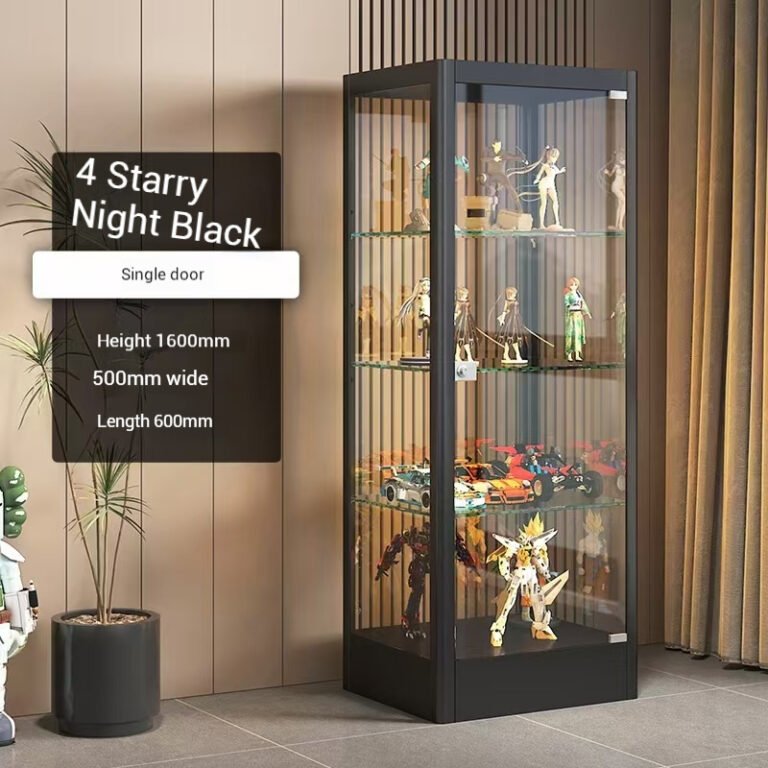
How to Plan Shelf Height for a Building Block Display Cabinet — A Simple Spacing Guide
You set up the display cabinet, plugged in the LED lights, and it looked great. Then you started putting things inside.The large castle model barely fit on one shelf — the door almost scraped it when you closed it. A few mid-size sets went on the next shelf up, but there was a huge gap above them, dead space doing nothing. The third shelf? You left it empty because you could not figure out what belonged there.
This happens to most people. Shop owners focus on the cabinet dimensions — height, width, depth — and skip the one thing that determines whether the cabinet actually works: shelf spacing. Twenty minutes after loading the cabinet, you realize the layout is a mess and you have to take everything out and start over.
Planning shelf height is not complicated. It just needs a few minutes of thought before you start loading. Here is a simple way to get it right the first time.
Fixed Shelves vs Adjustable Shelf Display Cabinet — The Difference Matters More Than You Think
Before getting into spacing strategy, there is a basic decision that determines whether any of this even applies.
Some display cabinets ship with fixed shelves — welded or bolted in place at the factory. The shelf height you see in the product photo is the shelf height you will have forever. These cabinets are easy to manufacture and cheap to buy, but they put you in a bind: you have to pick items that fit the shelves, rather than adjusting the shelves to fit your items. If a model turns out to be 2cm too tall for the fixed gap, there is nothing you can do except put it somewhere else.
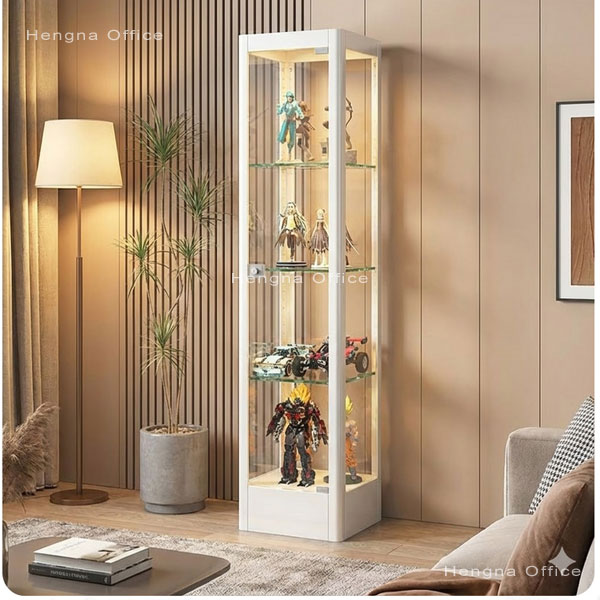
An adjustable shelf display cabinet works differently. Both sides of the cabinet interior have vertical clip rails — or a series of support holes — that run the full height. The shelves snap into these rails and can be repositioned, usually in 2-5cm increments. You can go from 4 tiers to 5, or even remove a shelf entirely to make room for one oversized piece. The flexibility is the whole point.
One practical note: not every cabinet marketed as “adjustable” has enough adjustment range. Ask the supplier what the clip increment is — 2-3cm gives you fine control. 5cm or larger is coarse and limits your layout options. For a retail display setup where you may change product arrangements seasonally, finer increments are worth the small premium.
If you are still in the selection stage, confirm the shelves are truly adjustable before buying. If they are not, you can stop reading here — there is very little “planning” you can do with a fixed-shelf cabinet.
Planning Shelf Height for a Display Cabinet — A 3-Step Method
Most building block sets and collectible figures fall into predictable size ranges, not random ones. Group your items by height and the shelf layout practically designs itself.
Step 1: Sort your display items into three rough size groups.
- Large items (30cm and taller): castle and architecture sets, flagship mecha models, modular street scene buildings, SD-scale full-body statues
- Medium items (15-30cm): classic brick sets, mid-size vehicles, figure display boxes, 1/8 scale character figures
- Small items (15cm and under): individual minifigures, miniature vehicle sets, brick-head style figures, keychain collectibles, blind box toys
This does not need to be precise. Eye-level grouping is enough. The goal is to know roughly how many “big pieces” and how many “small pieces” you are working with.
Step 2: Work backward from the total interior height to determine your tier count.
Say your cabinet has a usable interior height of about 150cm — that is roughly a 160cm tall display cabinet with the top frame, bottom frame, and shelf material thickness subtracted. Here are three common layouts:
- 4 equal tiers: roughly 37cm per tier. Best if your collection is mostly large building block sets and you need tall clearance on every shelf.
- 5 uneven tiers: bottom two shelves at around 40cm each, top three at around 20-23cm each. Large items on the bottom, medium and small items above. This is the most commonly used layout because most collections are not made entirely of large pieces.
- 6 tiers: roughly 25cm per tier. If your collection is mostly small to medium items — minifigure displays, blind box sets, compact vehicles — this makes the most efficient use of shelf space.
There is no “correct” layout, but there is one solid principle: put the heaviest, tallest items on the bottom tier, your best-looking pieces at eye level, and the lightest small items at the top. This is basic visual merchandising and basic physics — weight low keeps the cabinet stable, and your customers’ natural gaze path hits the middle shelves first.
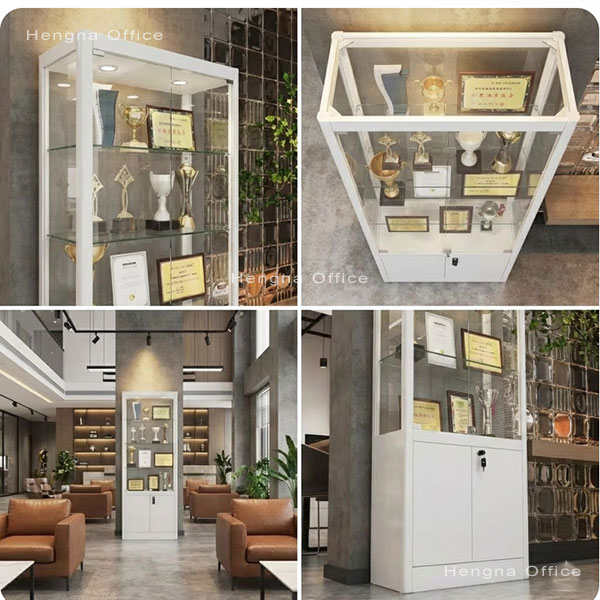
Step 3: Leave breathing room. Do not set your shelf height exactly equal to your tallest item. Leave 3-5cm of clearance above each piece. This serves two purposes: you can lift items out without bumping them into the shelf above, and the light from your LED strips reaches deeper into each tier instead of getting blocked. A cabinet packed tight to the ceiling of each shelf looks cramped and is frustrating to use.
Shelf Height Planning Example: 160cm Display Cabinet for Building Blocks and Figures
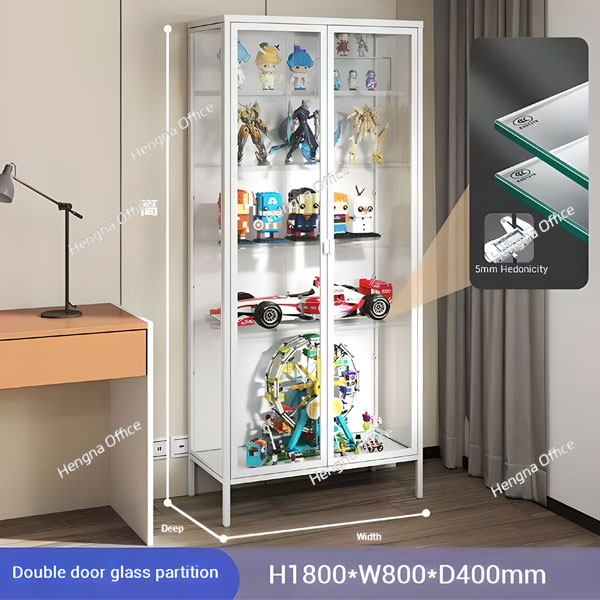
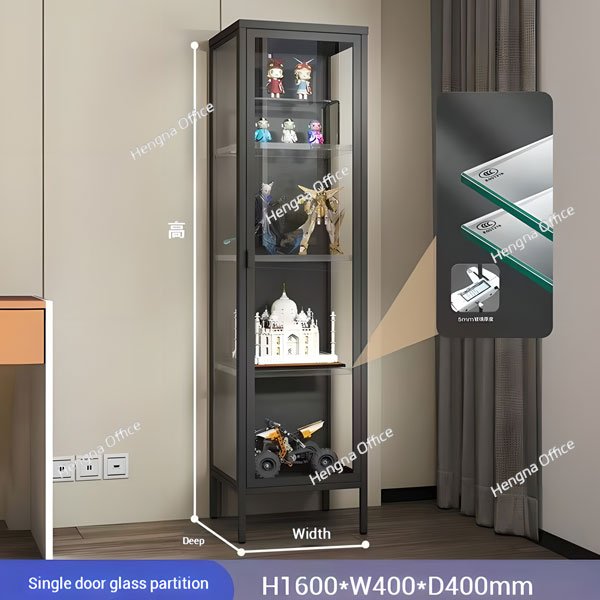
Let us walk through a real example using our factory’s 160 × 40 × 40cm 4-tier display cabinet. Interior clearance is roughly 150cm, with adjustable shelves on clip rails spaced at approximately 3cm intervals.
The collection being displayed: mostly large and medium building block architecture sets, with a few action figures and minifigure displays mixed in.
Here is one practical shelf height layout:
| Tier | Shelf set at | What fits well | Why here |
|---|---|---|---|
| Bottom | 42cm from floor | Large castles and modular buildings (30-38cm tall) | Heaviest items, low center of gravity |
| Middle | 80cm from floor | Mid-size vehicle sets and 1/8 figures (15-25cm) | Customer eye level — best pieces go here |
| Upper middle | 115cm from floor | Minifigure display boxes and small vehicles (8-15cm) | Above eye level but still clearly visible |
| Top | 35cm remaining | Brick-head figures and mini sets (5-10cm) | Lightest items, looking up is fine |
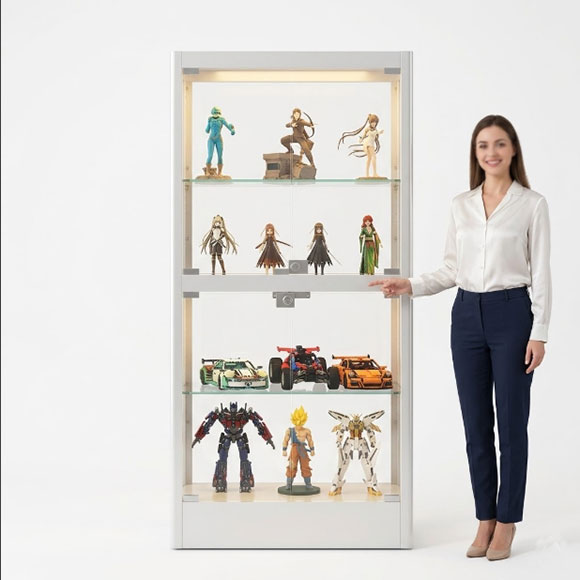
What you gain from this layout: every tier gets proper LED light reach because nothing is jammed against the shelf above. The spacing looks intentional, not squeezed. Customers scan the middle tier first — where your strongest pieces are — then look up and down naturally.
This is one example. Your own collection may lean heavier on large sets or on small figures, and your numbers will shift accordingly. The method is the same: measure your items, group them, work backward, and leave breathing room.
Two Mistakes to Avoid When Adjusting Shelf Height
Mistake 1: Setting the shelf too far forward, then the door scrapes your items. Most glass display cabinet doors have about 1-2cm of clearance between the inner glass surface and the front edge of the shelves. If you place a tall item right at the front of a shelf and its height reaches the door line, closing the door may press against it. After adjusting shelf height, close the door fully and check that nothing touches the glass — it takes ten seconds and saves a broken figure accessory.
Mistake 2: Light items on bottom, heavy items on top in a tall narrow cabinet. A cabinet with a slim footprint — like 40 × 40cm and 160cm tall — has a relatively high center of gravity to begin with. If you put all your minifigure boxes on the bottom shelves and a heavy castle set on the top, the cabinet becomes top-heavy. It will not tip over on its own under normal conditions, but the sway from someone bumping into it becomes noticeably worse. Heavy items low, light items high — it is not a style choice, it is physics.
Final Thoughts on Planning Shelf Height
Shelf height planning is really just about flipping the sequence. Most people buy the cabinet first, then try to stuff things into whatever shelf gaps happen to exist. The better order is: know what you are displaying, then set the shelves to match.
Once you get the layout right, the difference is immediate. Every piece has its place. There is no wasted space and no cramped corner. The display looks like it was designed around the collection — because it was.
Hengna display cabinets ship with clip-rail adjustable shelving as standard. Shelf clips are spaced to allow fine height control, and shelves can be added or removed without any tools. If you are setting up a new display area or reconfiguring an existing cabinet, we are here to help.
Frequently Asked Questions
Q1: Can I remove a shelf to turn a 4-tier display cabinet into a 3-tier?
Yes. On an adjustable shelf cabinet, each shelf sits independently on its own clips. Simply lift the shelf out. If one oversized piece needs the vertical space of a shelf and a half, removing one shelf creates a clean double-height section. The only cost is one fewer display surface.
Q2: Does adjusting shelf height affect weight capacity?
No. A shelf’s load capacity is determined by the material and thickness of the shelf panel itself plus the strength of the clip hardware — not by which rail position it sits in. The same shelf carries the same weight at any height. That said, do not exceed the stated per-shelf limit. For tempered glass shelves, a safe guideline is 5-8kg per shelf for daily use.
Q3: What is the minimum usable shelf height in an adjustable display cabinet?
It depends on the clip rail spacing. Our factory rails have clips at roughly 3cm intervals, so in theory you could set shelves as close as 3cm apart — but in practice, anything under 12-15cm has almost no use for collectibles. Even a single minifigure needs clearance. A practical minimum for the top tier of small items is around 15cm.
Q4: Should I choose glass shelves or steel shelves for my display cabinet?
Glass shelves (tempered) let light pass through — if your cabinet has integrated LED lighting, the glow reaches all the way down through multiple tiers. This works especially well for translucent or glossy pieces like clear brick elements and polished figure surfaces. Steel shelves carry more weight and do not show fingerprints. For heavy metal collectibles, steel is more secure. For light-based presentation, glass wins. We supply both.
Q5: Can I change shelf layout later when my collection changes?
Yes. That is the entire reason adjustable shelves exist. If your inventory rotates seasonally — holiday sets, new release lines, etc. — you can reconfigure the layout in a few minutes with no tools. Just pop the shelves off, move the clips, and click them back in at the new height.